Handyman software
Handyman software for quotes, scheduling and payments
Yardova helps handymen and home repair businesses turn calls into quotes fast, keep a busy schedule straight and get paid the day the work is done.
Free plan with no card needed. Paid plans include a 30-day free trial. Set up in about 10 minutes.
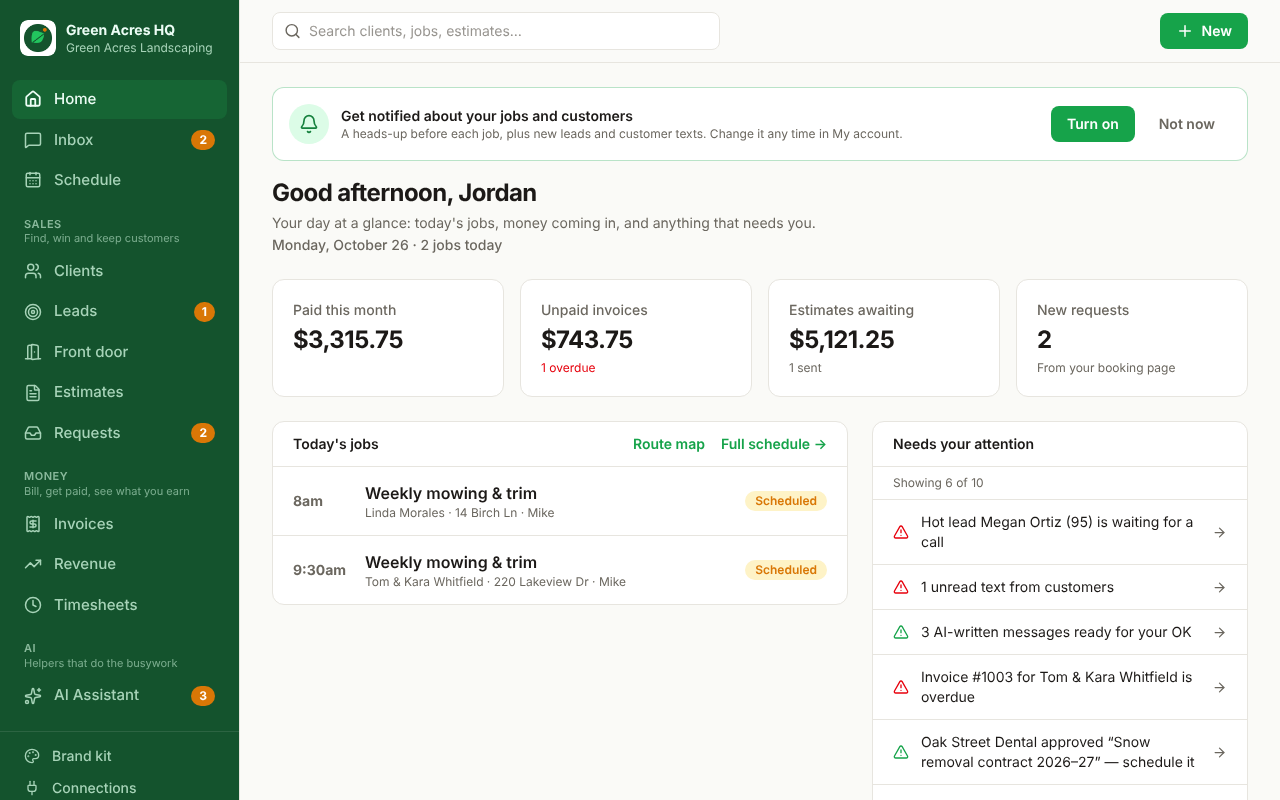
Built for handyman & home repair businesses
Itemized quotes in minutes
Build quotes from your saved price list, or describe the job and let the AI draft the line items for you to check.
Every call answered
Missed calls get an automatic text back and voicemails become leads with the details filled in.
Paid the same day
Send the invoice from the job site by text, with a pay button for card, Apple Pay or Google Pay.
Set up for the services you offer
- General repairs
- Drywall repair
- TV & shelf mounting
- Furniture assembly
- Door & window repair
- Fixture installation
- Small remodels
Your quote page, price list, checklists and wording come ready for your trade, and you can change any of it.
How a job flows through Yardova
- 1
A lead comes in
From a call, your website, Google, Facebook, Thumbtack or Angi. It's scored hot, warm or cold and gets an instant reply.
- 2
You send a quote
From your price list or an AI draft, by text or email. They approve with one tap.
- 3
It's on the schedule
The job goes on the calendar for the right crew, with a reminder to the customer the day before.
- 4
The crew does the work
Directions, checklists, photos and the time clock, all on their phone.
- 5
You get paid
The invoice goes out when the job is done, or the saved card is charged. Then a review request.
Plans start free. Paid plans from $49 a month. See pricing
Questions
Is Yardova a good fit for a small handyman & home repair business?
Yes. Yardova is built for owner-operators and small crews. There's a free plan for getting started, and paid plans add texting, automation and more logins as you grow.
Can my crew use it on their phones?
Yes. Each person gets their own login and sees only their own jobs, with directions, checklists, photos and a time clock. No prices or settings unless you allow it.
How do I move my customers over?
Export a spreadsheet from your current app or contacts and upload it. Columns are matched for you, duplicates are skipped, and you can undo an import.
How do customers pay?
You connect your own Stripe account, so card, Apple Pay and Google Pay payments go straight to your bank. You can also show PayPal, Venmo, Cash App, Square or Zelle on invoices.
Software for other trades
Spend less time on paperwork and more on the job.
Start on the Free plan with no card, or try any paid plan free for 30 days.